Import
Overview
This page allows users to import data into the platform from external sources, such as CSV files or other supported formats.
Currently supported import types include:
- Order Items
Import data
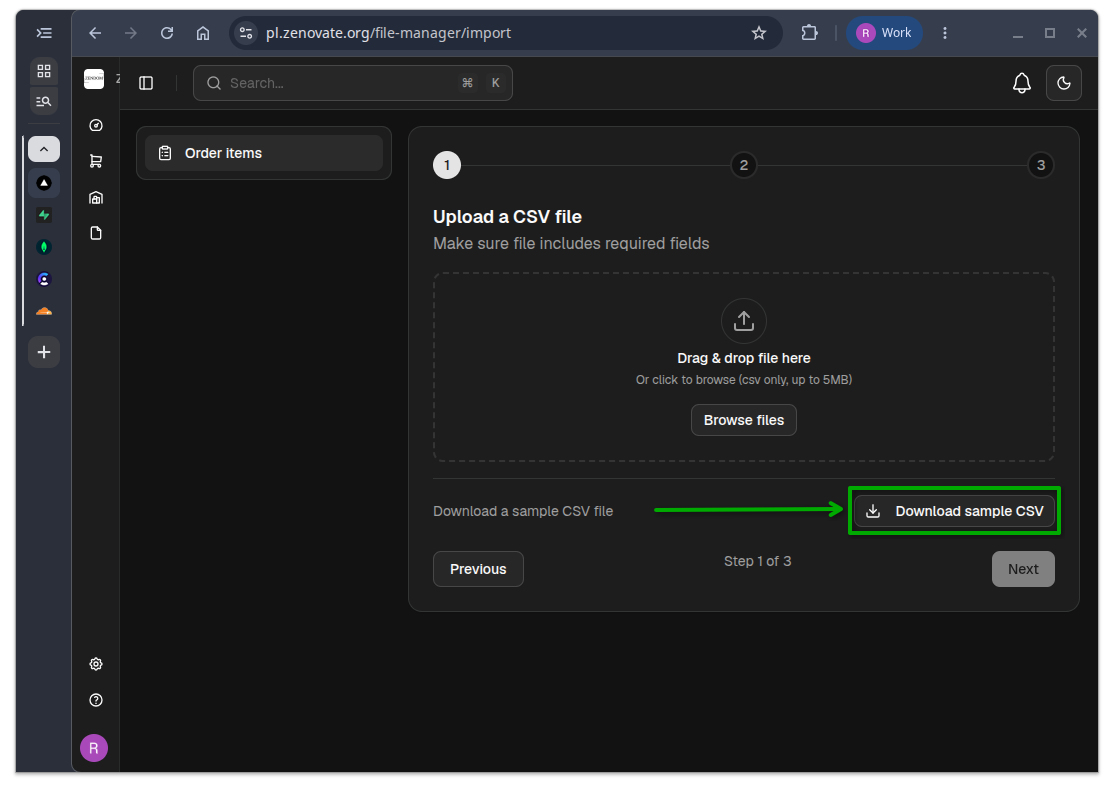
Step 1: Download a template
Download a template to ensure that your data is formatted correctly for import. The template will provide the necessary structure and required fields.
Step 2: Upload your file
Click or Drag and drop your file into the designated area to begin the import process.
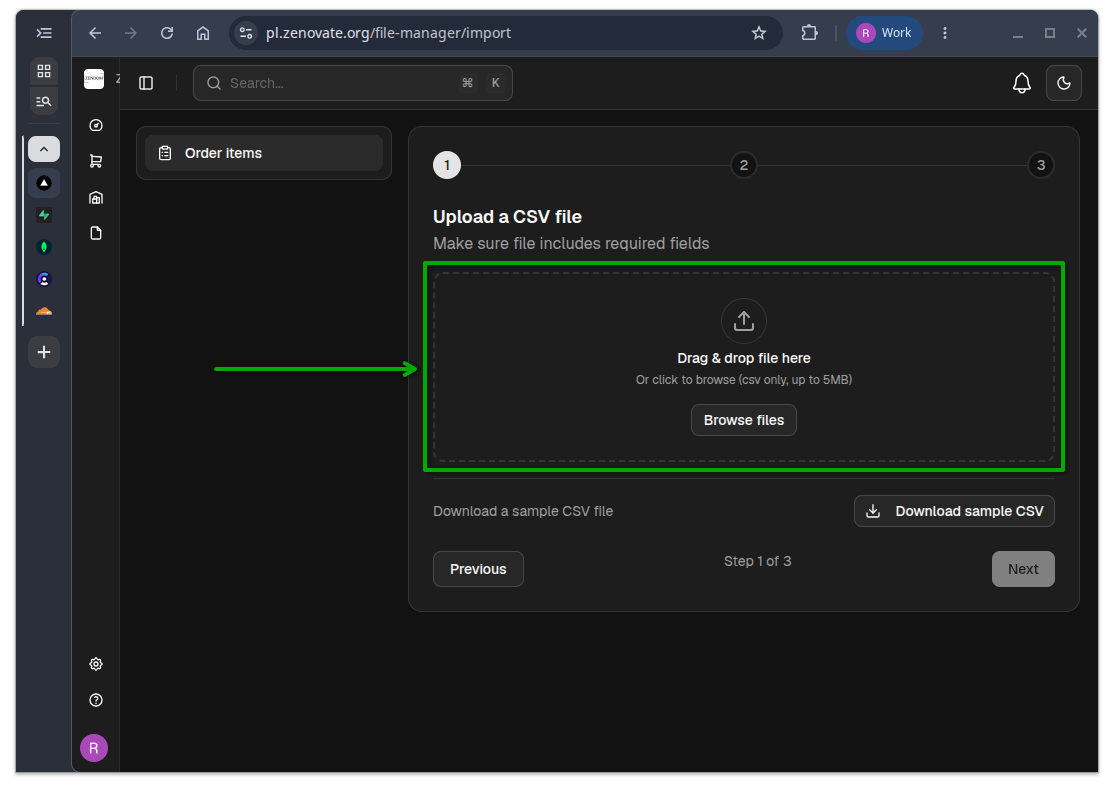
Then click on the Next button to proceed to the next step.
Step 3: Select an Order
Select an order to which the imported data will be associated. You can search for an order by its name.
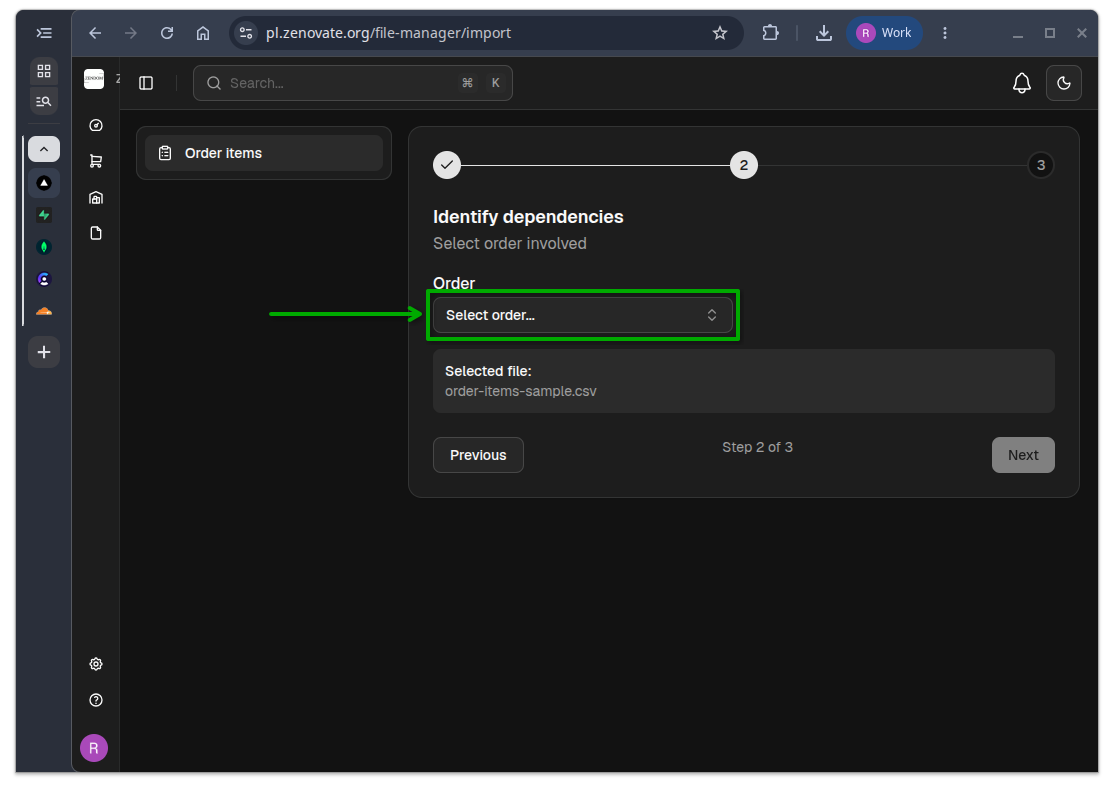
Then click on the Next button to proceed to the next step.
Step 4: Final Verification
Check your data for accuracy and completeness before finalizing the import. Ensure that all required fields are filled and that the data is correct.
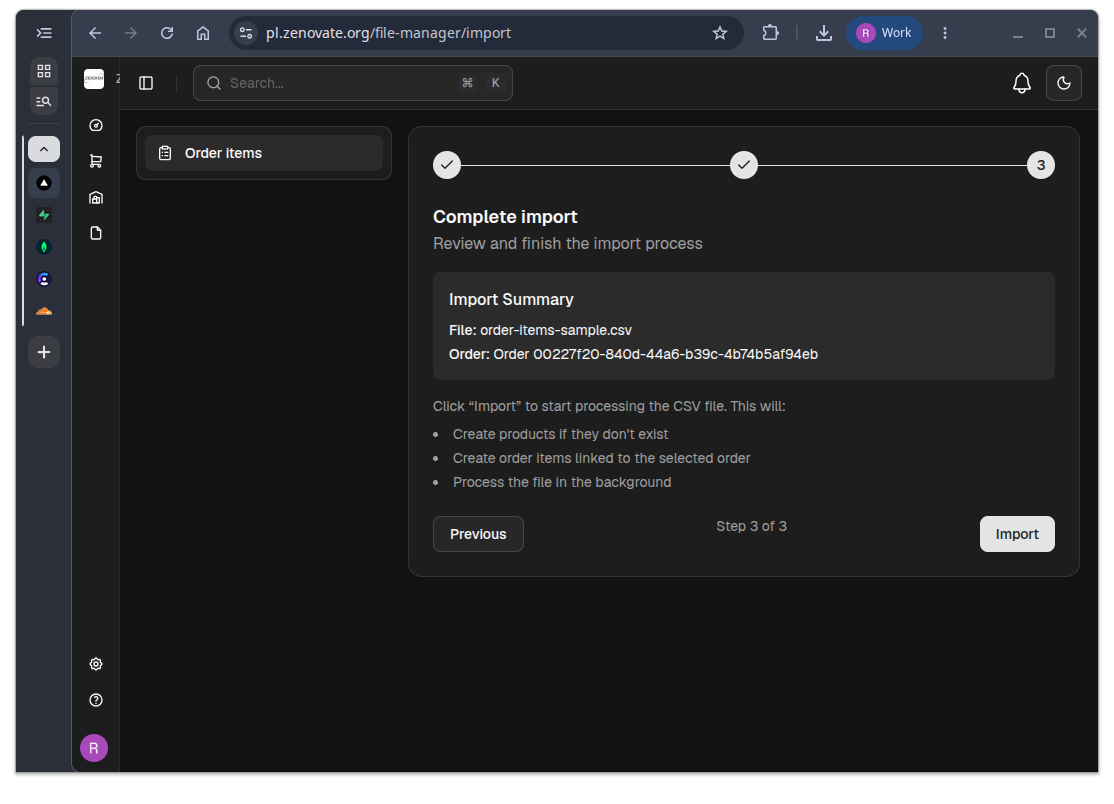
Then click on the Import button to complete the process. A confirmation message will appear once the import is successful.