View
Overview
View allows users to save and manage custom configurations of data tables, including column visibility, sorting, and filtering preferences.
View Management
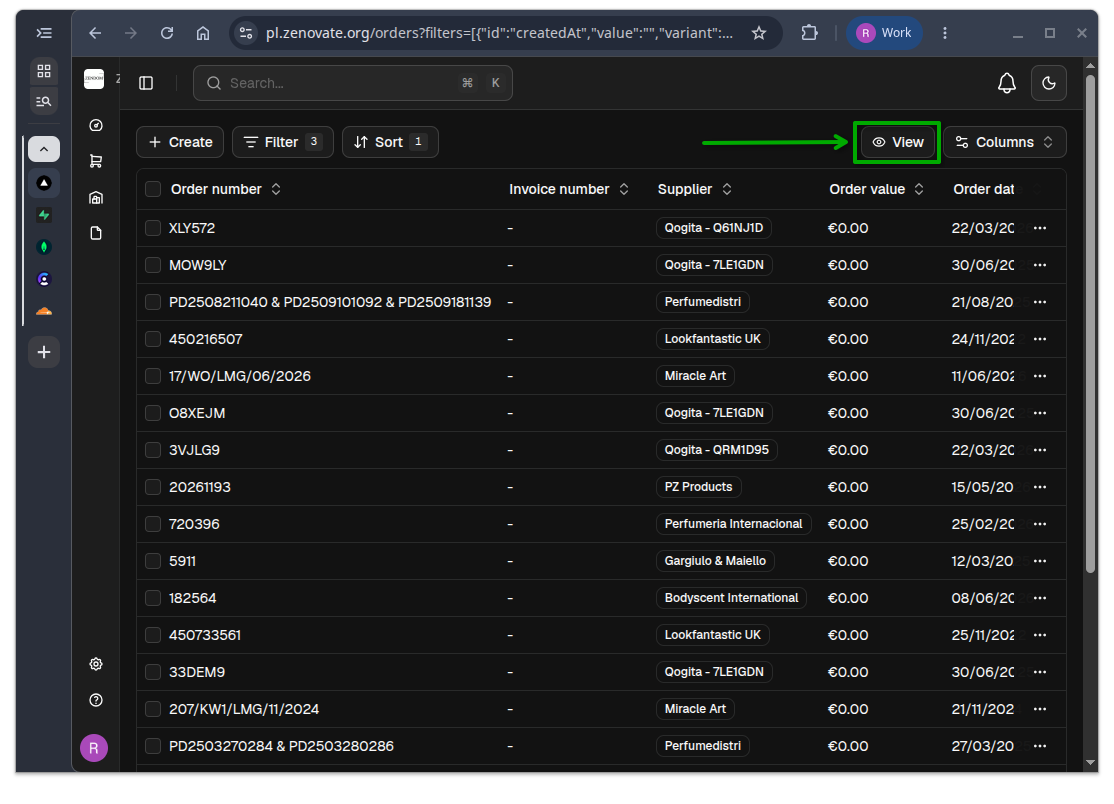
Click on the View button located at the top-right of the data table to access the view management options.
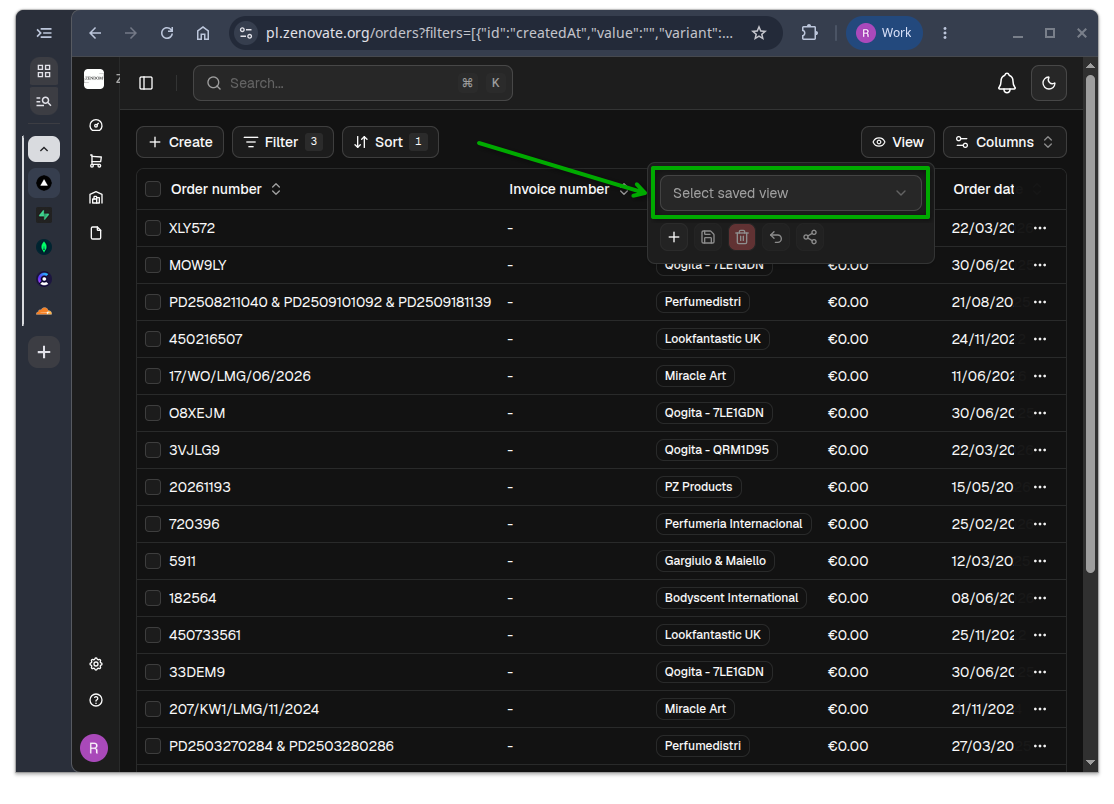
Select a View
You can select an existing view from the dropdown menu.
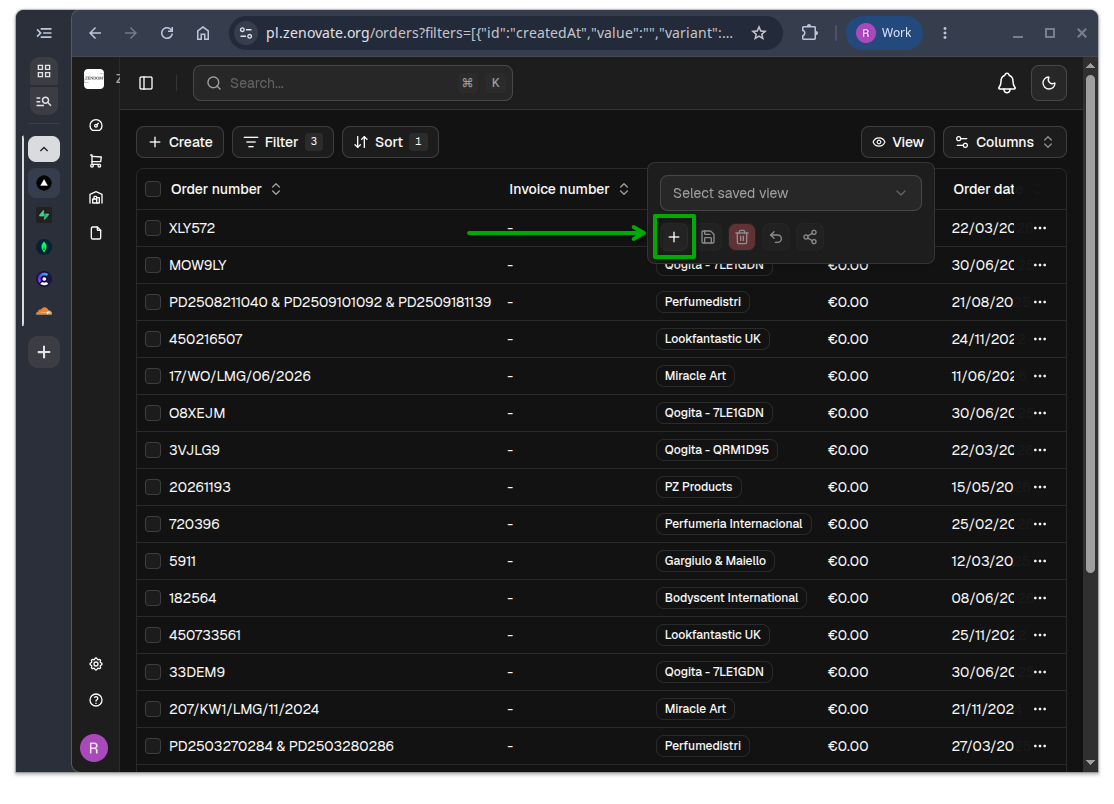
Create a new View
Click on the Plus icon to create a new view based on the current filters, sorting, and column visibility settings.
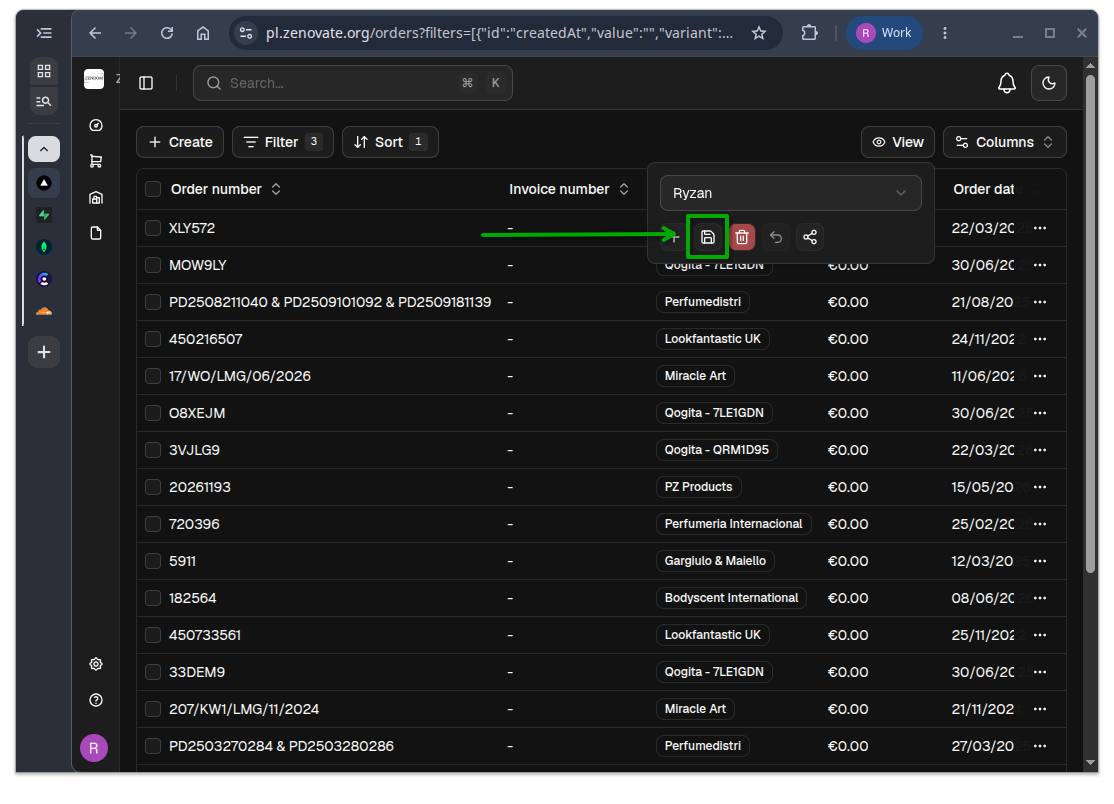
Save a View
After making changes to the current view, click on the Save button to save the changes to the selected view.
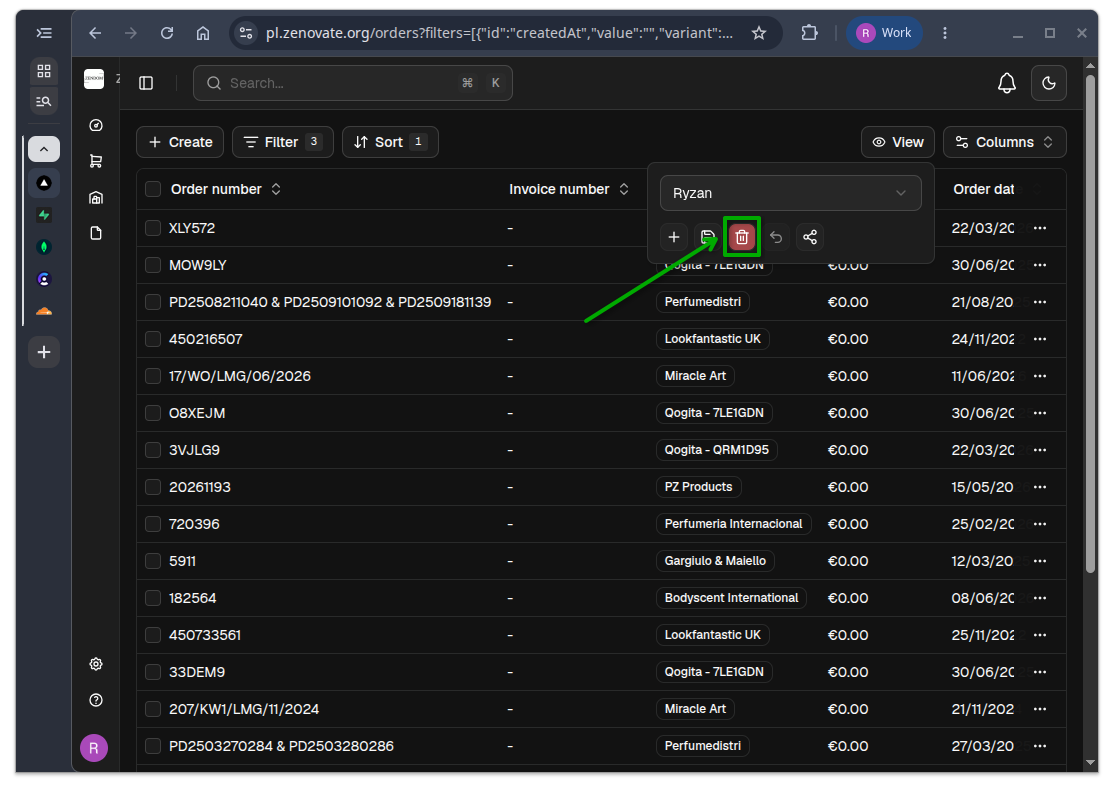
Delete a View
Click on the Trash icon to delete the selected view. A confirmation prompt will appear to prevent accidental deletion.
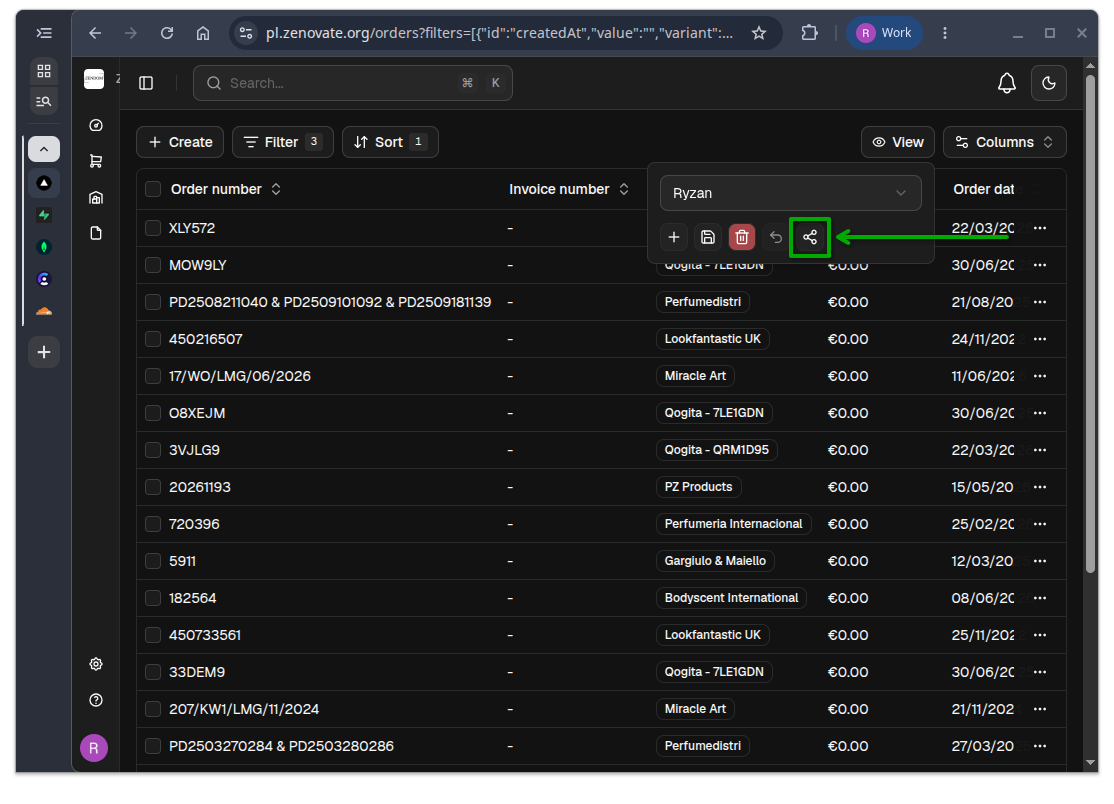
Share a View
Click on the Share icon to generate a shareable link for the selected view. You can copy the link and share it with others, allowing them to access the same view configuration.
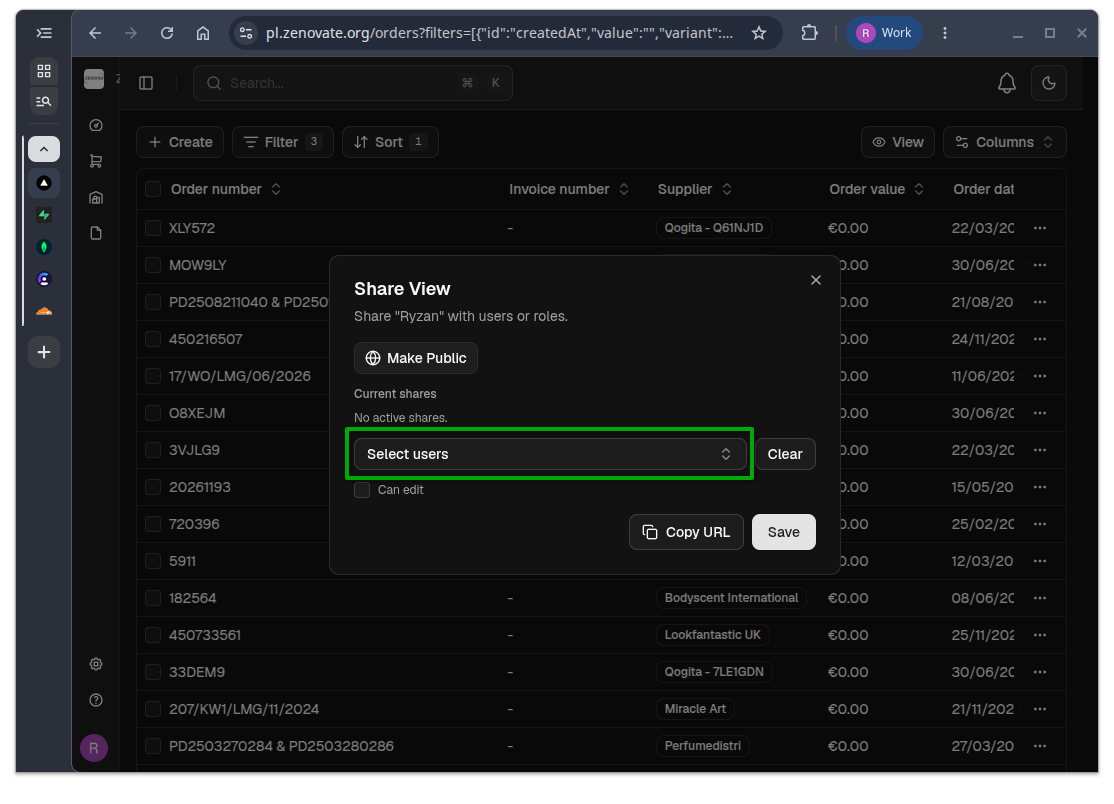
It will prompt you to select people to share the view with.
Click on the Copy URL button to copy the shareable link to your clipboard.
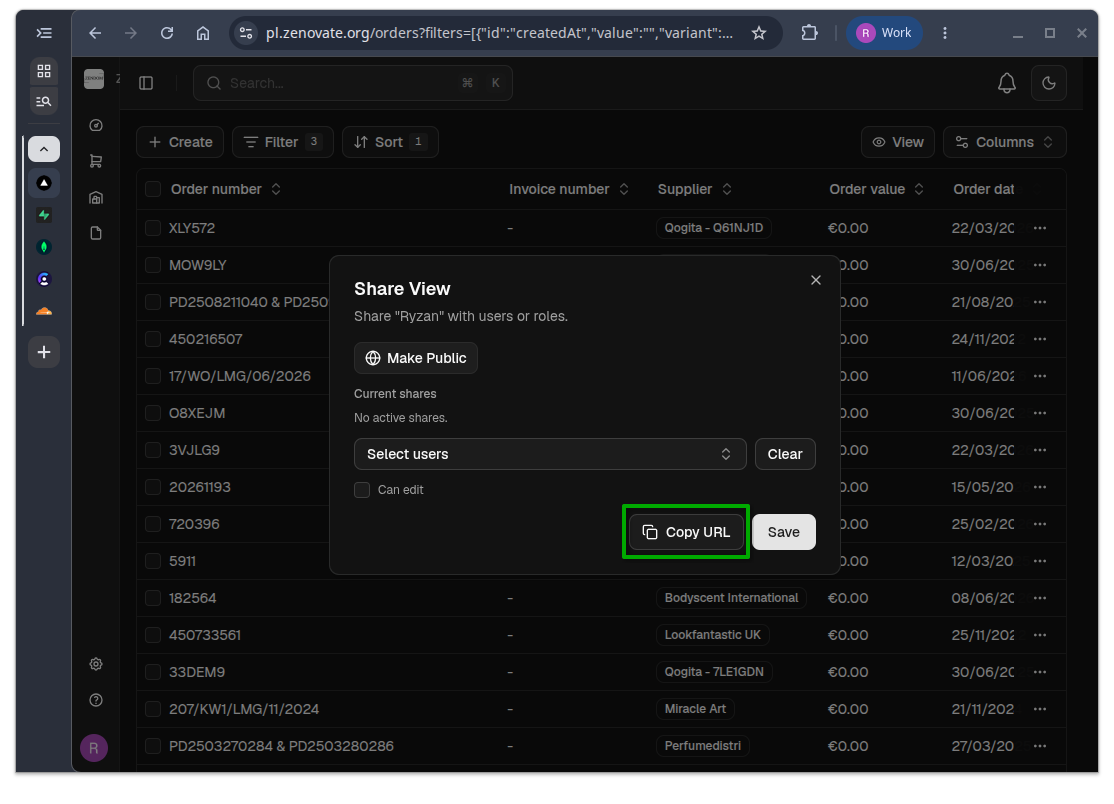
The URL will look like this: https://pl.zenovate.org/orders?viewId=263bdb83-e105-41ff-acf6-534c4196a514
Click on Save to complete the sharing process.